How to Scrape Business Emails from Bing Maps?
Scrape business emails from Bing Maps quickly with LeadStal’s Bing Maps Scraper. Automate lead generation and collect verified email addresses efficiently.
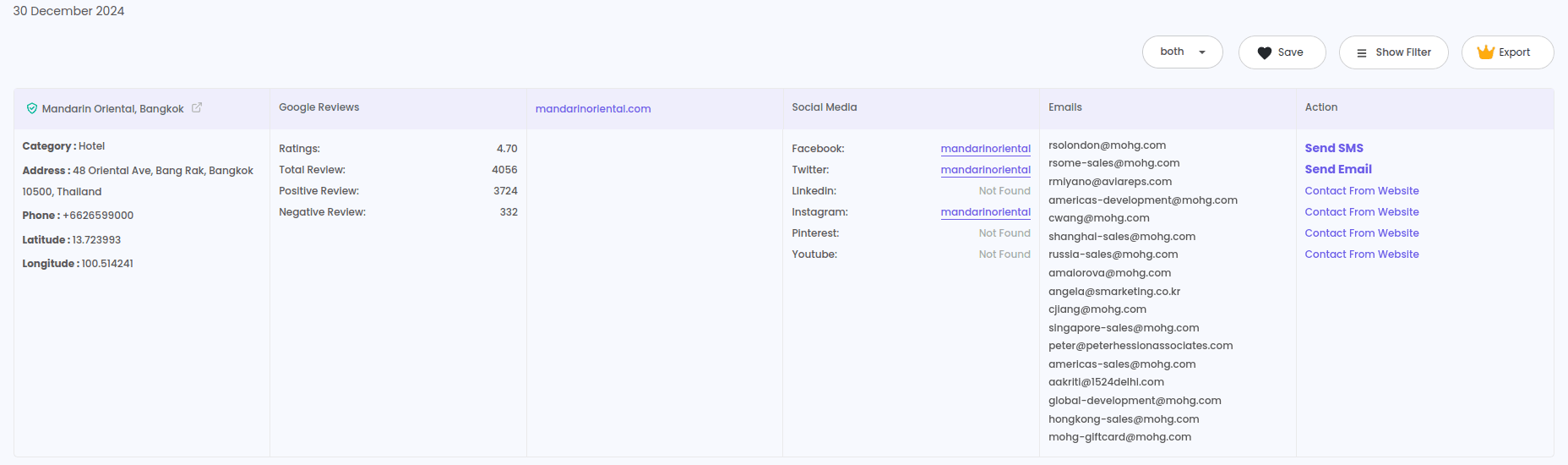
Extracting business emails from Bing Maps is a crucial step for companies looking to generate leads, enhance outreach, and build targeted marketing campaigns. Manually collecting email addresses from multiple business listings can be time-consuming. Using a Bing Maps Scraper Chrome Extension automates this process, ensuring quick and accurate data extraction.
Why Extract Business Emails from Bing Maps?
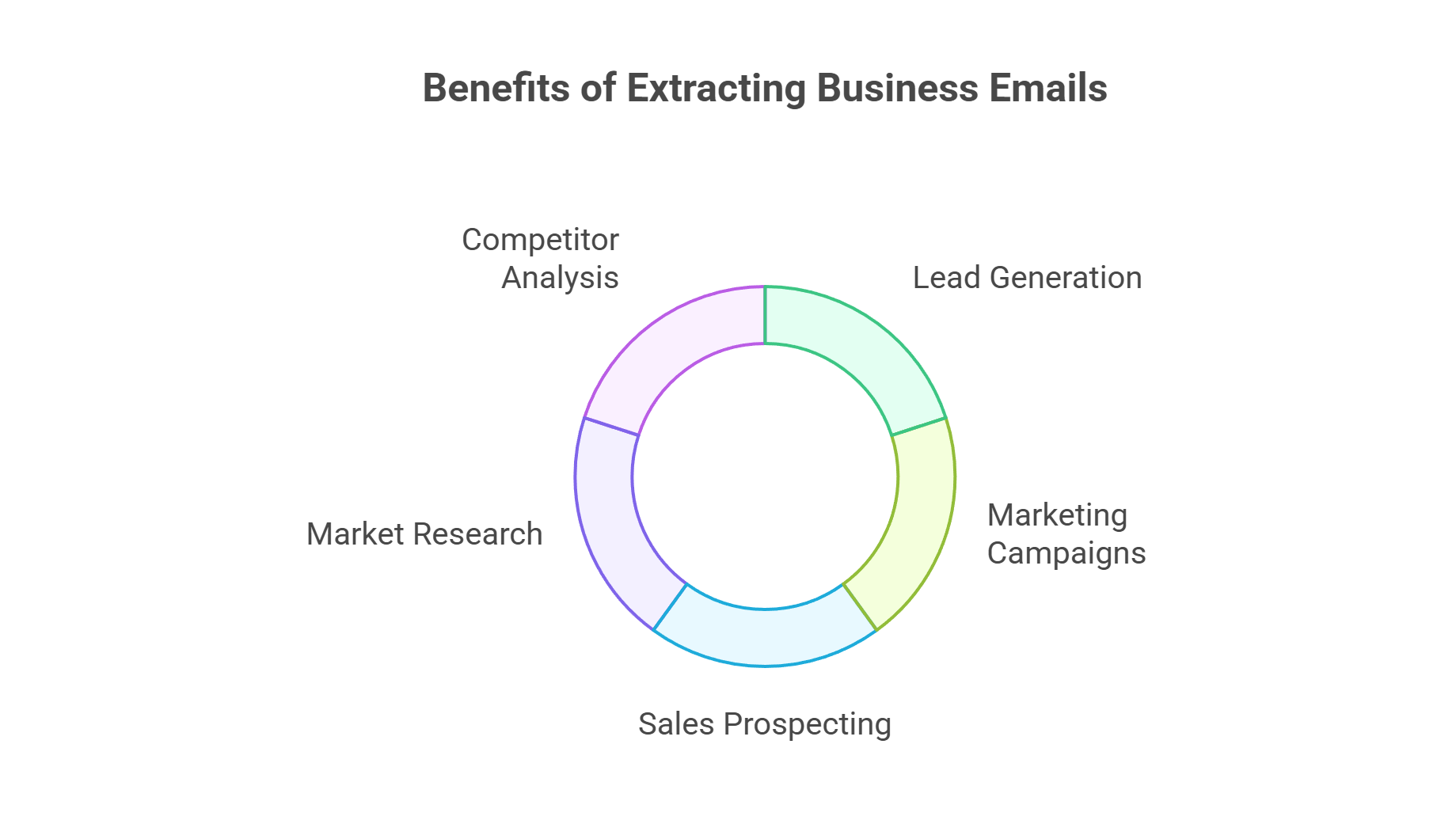
Scraping business emails from Bing Maps provides numerous benefits:
- Lead Generation – Build a verified email list for business outreach.
- Marketing Campaigns – Improve customer targeting with accurate contact details.
- Sales Prospecting – Identify potential clients and reach out directly.
- Market Research – Gather business insights and industry trends.
- Competitor Analysis – Analyze competing businesses and their contact points.
By automating the process, businesses can extract thousands of valid email addresses in minutes instead of spending hours doing manual searches.
Best Tool for Extracting Business Emails from Bing Maps
LeadStal’s Bing Maps Scraper & Extractor is a reliable and efficient tool for extracting email addresses from Bing Maps. It automates the data collection process and ensures accuracy.
Key Features:
- Bulk Email Extraction – Extract multiple emails at once.
- Advanced Filtering Options – Search by location, business category, and industry.
- High Data Accuracy – Ensures valid and updated email addresses.
- Real-Time Data Collection – Retrieves the latest business email addresses.
- CSV and Excel Export – Seamless integration with CRM tools and email marketing platforms.
How to Install Bing Maps Scraper Chrome Extension
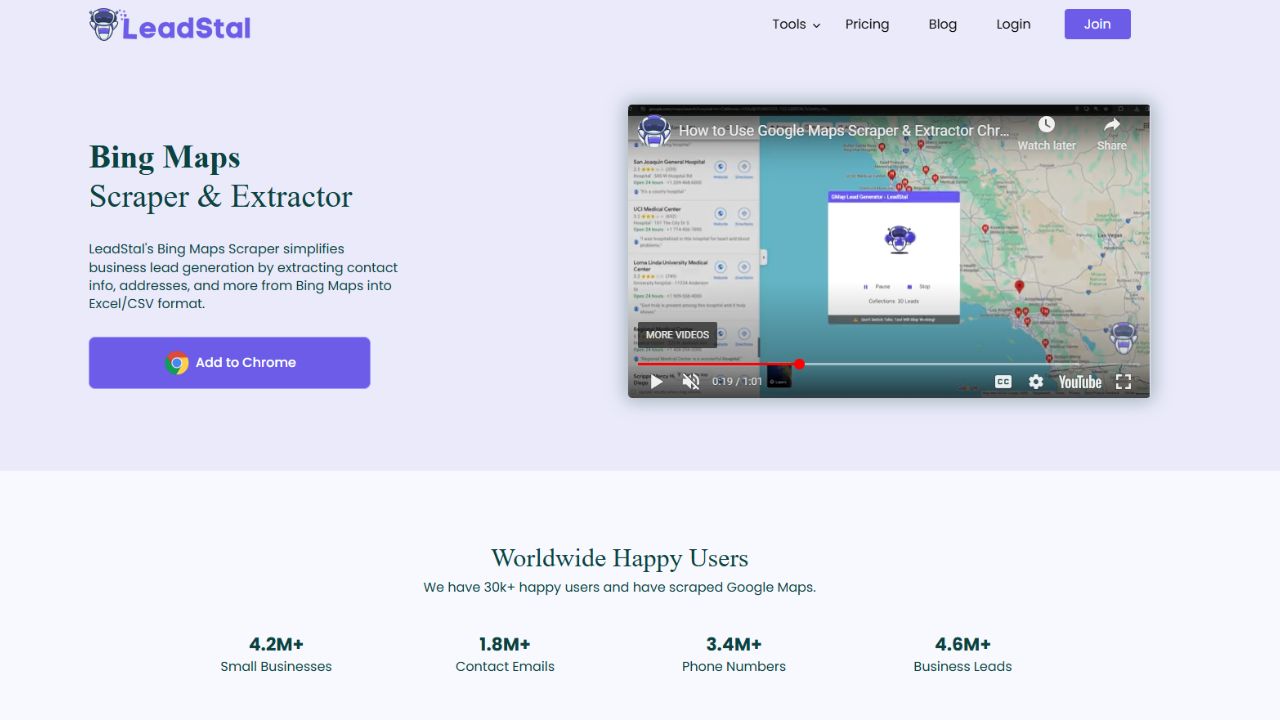
Installation Steps
- Open Google Chrome.
- Go to Chrome Web Store: chrome.google.com/webstore.
- Search: "Maps Scraper | Email Extractor by LeadStal".
- Click "Add to Chrome".
- Confirm: Click "Add Extension".
- Done: The extension icon will appear in your browser.
How to Use Bing Maps Leads Extractor
- Open Bing Maps: bing.com/maps.
- Search: Enter business names or categories.
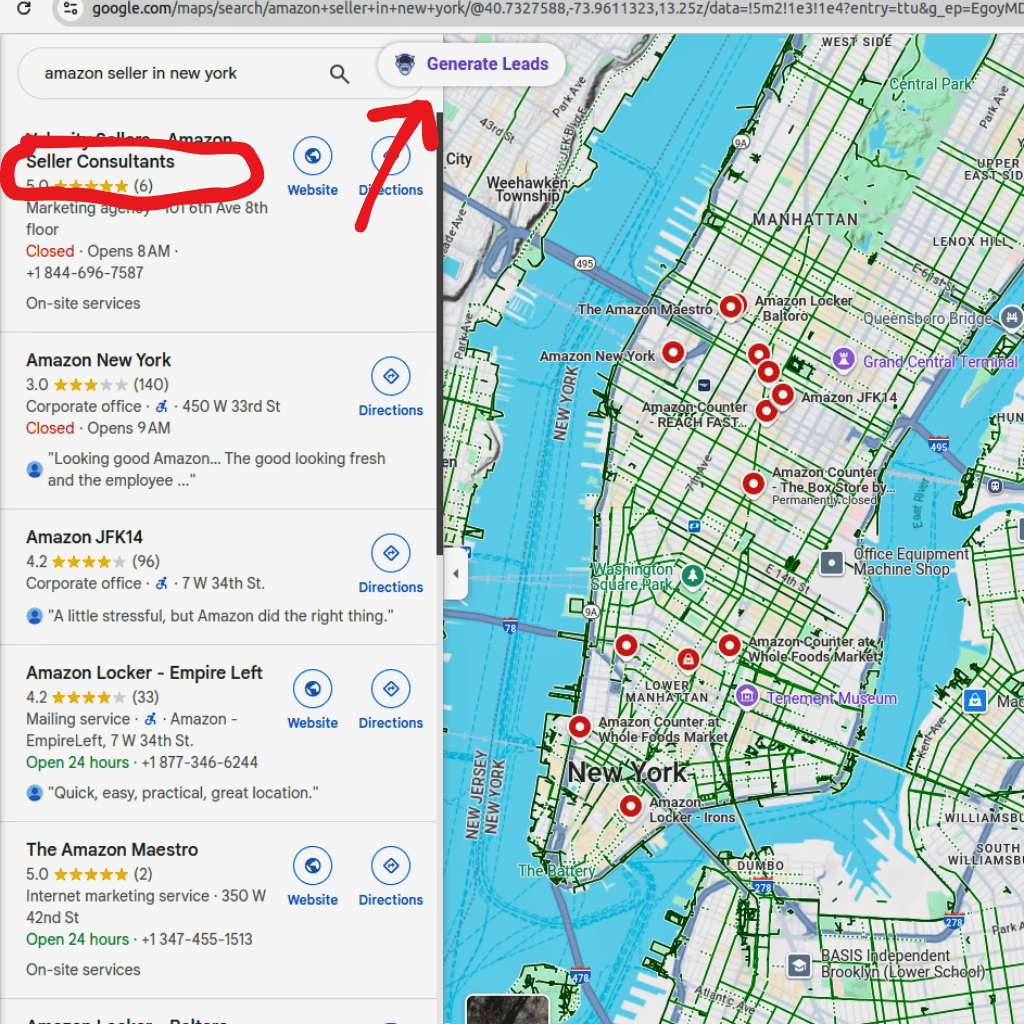
- Generate Leads: Click the "Generate Leads" button.
- Auto Extract: The tool will collect data automatically.
- Export Data: Download leads in CSV or Excel format.
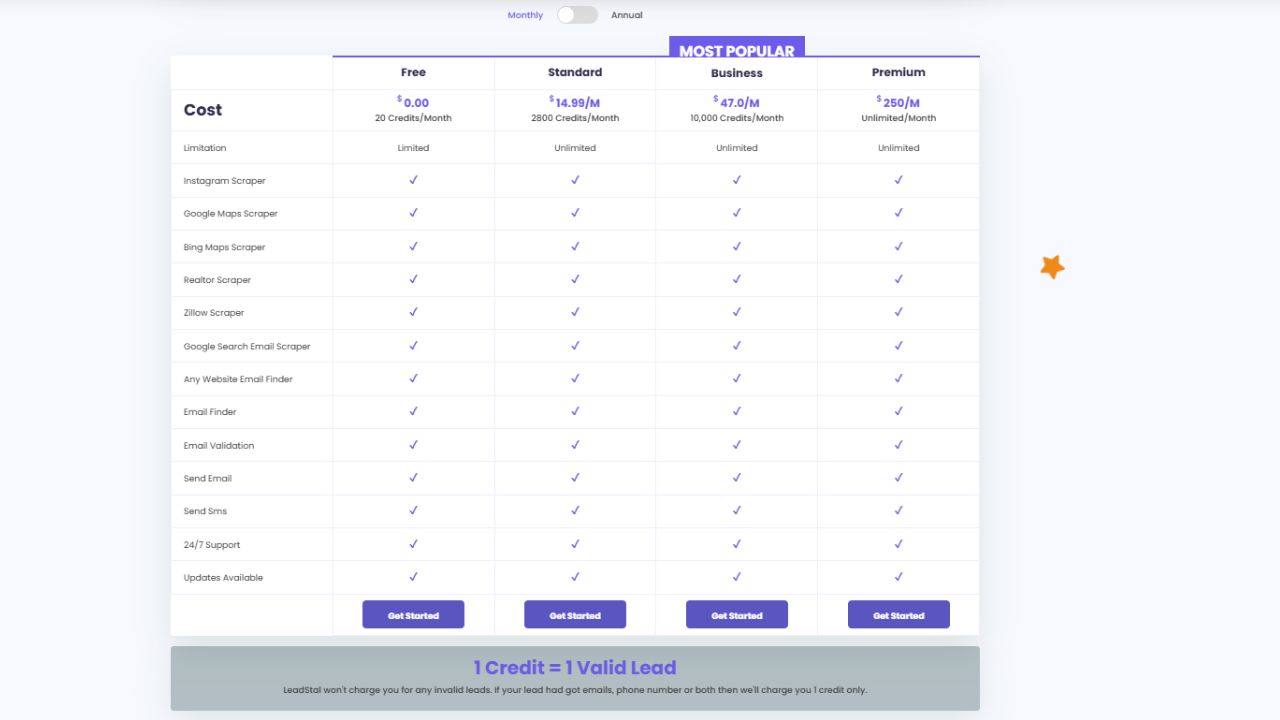
Pricing Plans for LeadStal’s Bing Maps Scraper Chrome Extension
LeadStal offers flexible pricing options for businesses of all sizes:
These plans ensure businesses can extract business emails efficiently while staying within budget.
Benefits of Scraping Business Emails from Bing Maps
- Saves Time – Extract thousands of emails in minutes.
- Improves Marketing Efficiency – Helps build targeted email campaigns with verified contacts.
- Boosts Lead Generation – Provides direct contact information for businesses.
- Enhances Data Accuracy – Ensures 99.5% accuracy with verified business email addresses.
- Simplifies Data Management – Exports extracted emails in Excel or CSV for easy integration.
- User-Friendly Interface – No technical expertise required to operate the tool.
- Advanced Filtering – Allows users to target businesses by location, industry, and keywords.
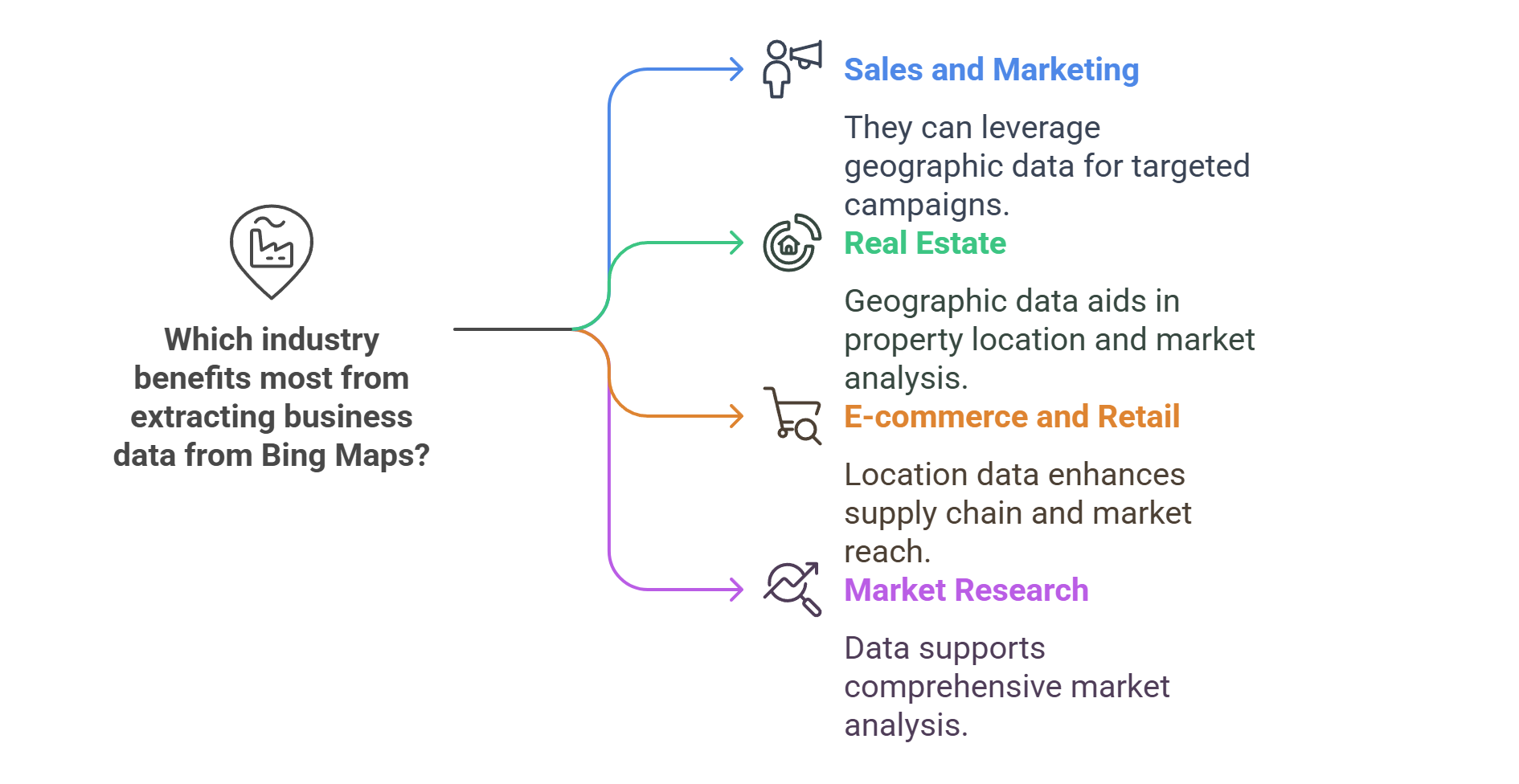
Who Can Benefit from Extracting Business Emails?
- Sales and Marketing Agencies
- Real Estate Professionals
- E-commerce and Retail Businesses
- Market Research Firms
- IT and Software Providers
- Healthcare and Financial Services
- Local and Small Businesses
Automating email extraction helps businesses enhance their lead generation and marketing efforts significantly.
Final Thought
Extracting business emails from Bing Maps is essential for companies looking to streamline their lead generation, marketing campaigns, and sales efforts. LeadStal’s Bing Maps Scraper simplifies the process, ensuring businesses can collect accurate email data without manual effort.
For businesses looking to expand their outreach and improve email marketing, LeadStal offers an affordable and reliable solution. Visit LeadStal.com today and start extracting email addresses effortlessly.
Frequently Asked Questions (FAQs)
Frequently asked questions
What is LeadStal’s Bing Maps Leads Extractor?
It is a tool that extracts business data from Bing Maps, including names, contact details, and addresses, for lead generation.
How does this tool help businesses?
It automates data collection, providing accurate and verified business leads for sales and marketing.
Can I filter searches by location or industry?
Yes, LeadStal’s extractor allows customized searches based on specific industries and geographic locations.
Is the extracted data accurate?
Yes, the tool ensures 99.5% accuracy, providing high-quality data for lead generation.
What formats can I export the data in?
Extracted data can be exported in Excel or CSV format for easy organization and integration with CRM tools.
Is the tool easy to use?
Yes! The tool is designed with a user-friendly interface, making it simple to extract and export business data.
Is real-time data extraction possible?
Yes, the tool retrieves the latest available business details for immediate use.
Put this into action, for free
Find verified leads from Google Maps, Instagram and 30+ sources with LeadStal's free tools.
Start finding leads freeComments (3)
 Priya Nair· 2 days ago
This is exactly what I needed, pulled 300 leads in my niche the same afternoon. The export to CSV worked flawlessly.