How to Extract Phone Numbers from IG Comments?
Discover how to use an IG Comment Scraper to extract phone numbers from Instagram comments and bios accurately and quickly.
Instagram users often leave their contact details in comments or bios, including phone numbers. These contacts can be valuable leads for businesses, agencies, and freelancers. But finding and copying them manually takes too much time. That’s why tools like an IG Comment Scraper are so useful.
In this blog post, we’ll go through how to extract phone numbers from Instagram comments using no-code tools, how these scrapers work, and why LeadStal stands out.
What Is an IG Comment Scraper?
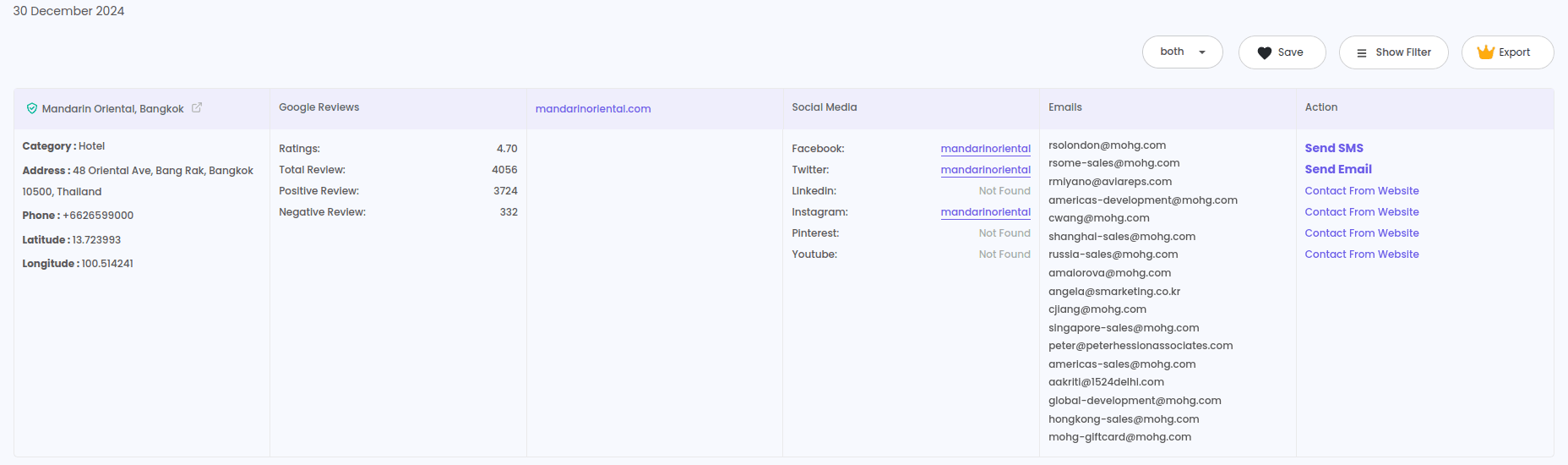
An IG Comment Scraper is a tool that collects public data from Instagram comments. It helps users extract information like:
- Username and display name
- Comment content
- Email address (if listed)
- Phone number (if present in the comment or bio)
- Bio information and profile links
Why Extract Phone Numbers from Instagram Comments?
Some users leave their WhatsApp or phone number in Instagram comments when they:
- Ask for collaboration
- Want more details about a service
- Participate in giveaways or signups
If you're able to extract those numbers, you can:
- Contact them directly
- Build a lead list for WhatsApp or SMS outreach
- Target potential buyers or clients faster
LeadStal IG Comment Scraper: Best for Extracting Phone Numbers
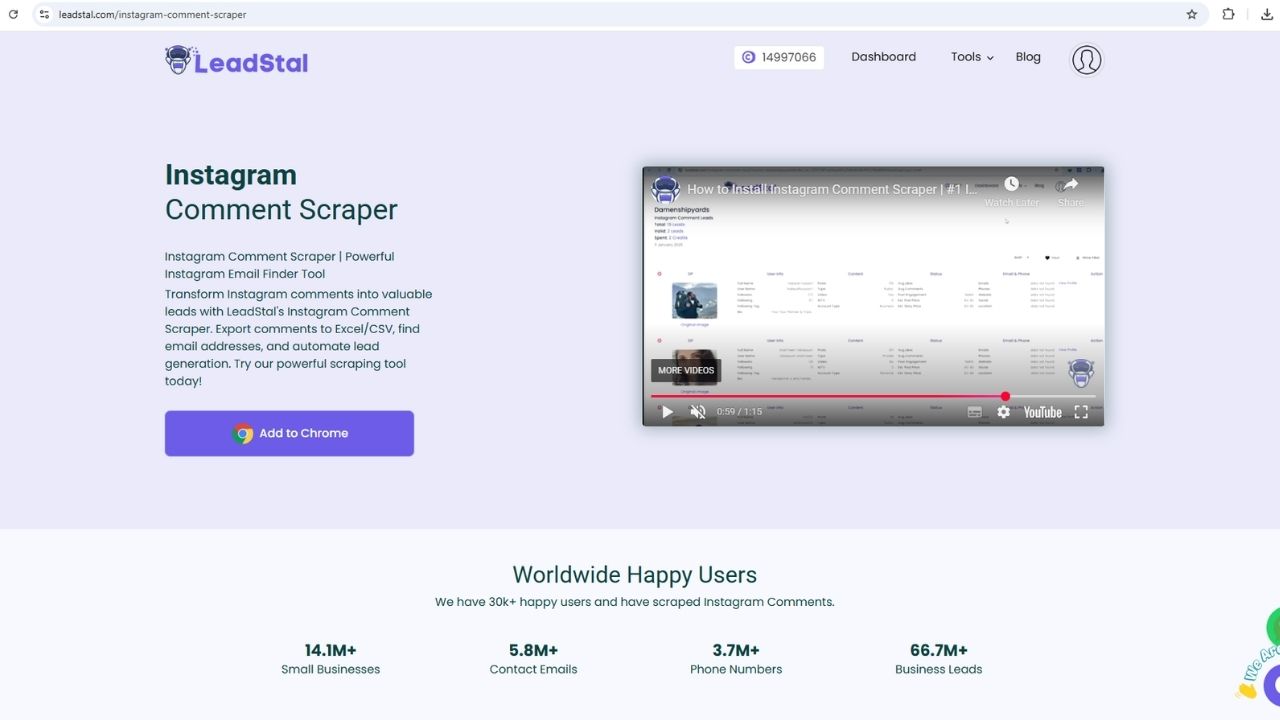
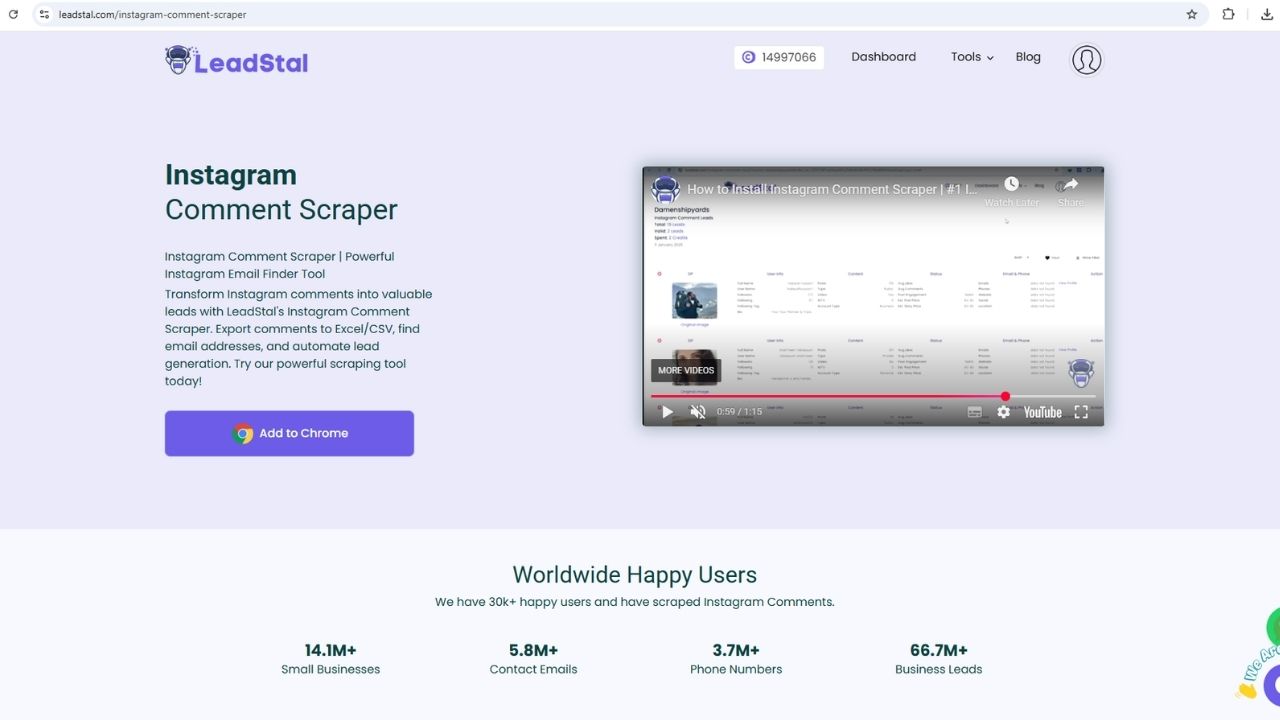
The LeadStal IG Comment Scraper is a user-friendly Chrome extension that helps extract phone numbers with no coding.
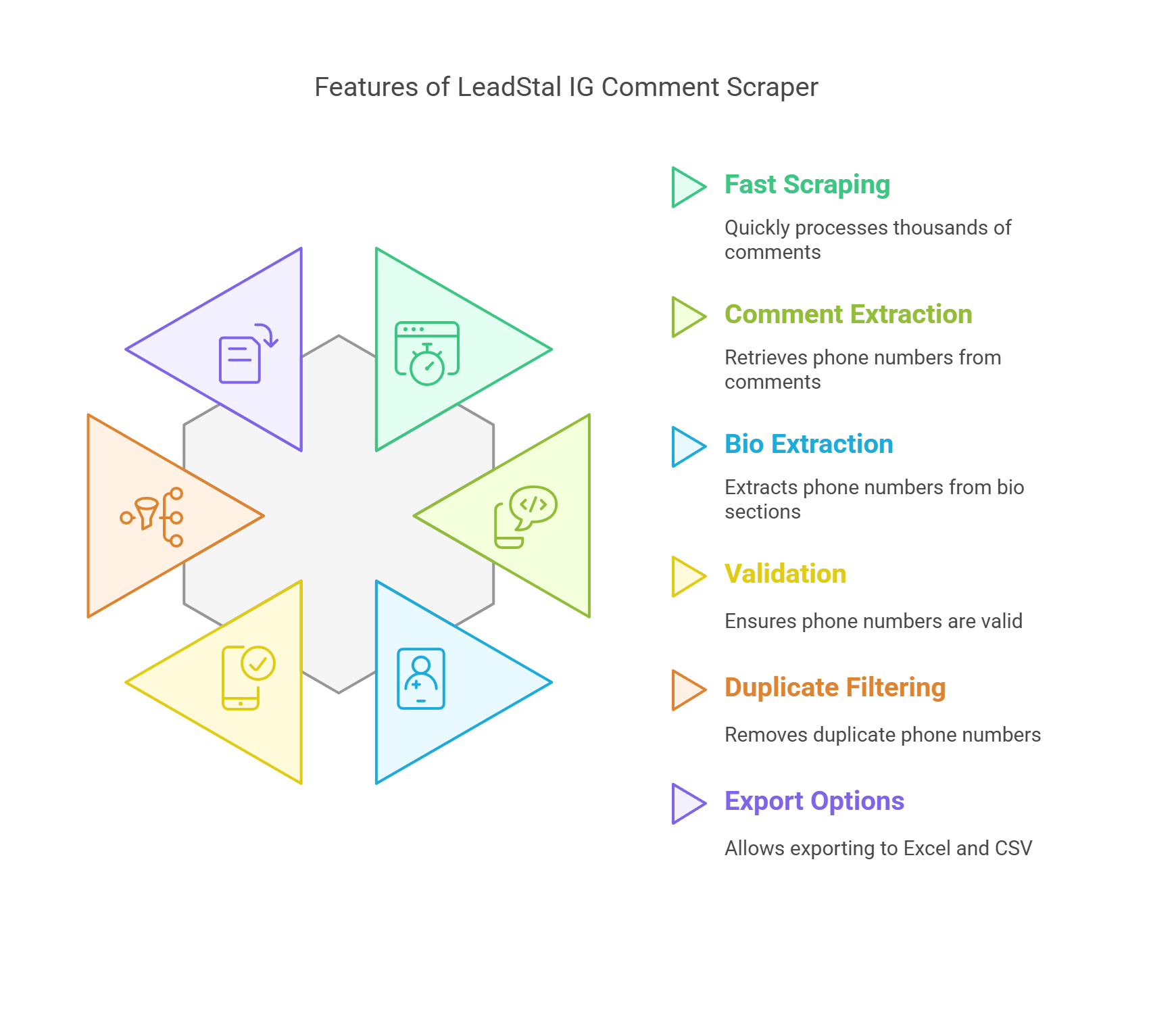
Key Features:
- Scrapes thousands of comments fast
- Pulls phone numbers from both comments and bio sections
- Validates phone numbers and filters duplicates
- Exports to Excel and CSV
- No code needed to use it
How the Tool Detects Phone Numbers
LeadStal’s scraper scans comment text and bios for standard phone formats like:
- +1 123-456-7890
- 017XXXXXXXX
- (123) 456 7890
- 123.456.7890
It recognizes country codes and filters out anything that doesn’t follow a valid phone format.
Step-by-Step Guide to Extracting Phone Numbers
Step 1: Install the Tool
- Go to LeadStal.com and download the Chrome extension
- Extract the ZIP file
- Open Chrome and go to
chrome://extensions - Enable Developer Mode
- Click "Load Unpacked" and select the folder
Step 2: Open a Public Instagram Post
- Log into Instagram on Chrome
- Choose a post with comments that might contain contact info
Step 3: Start Scraping
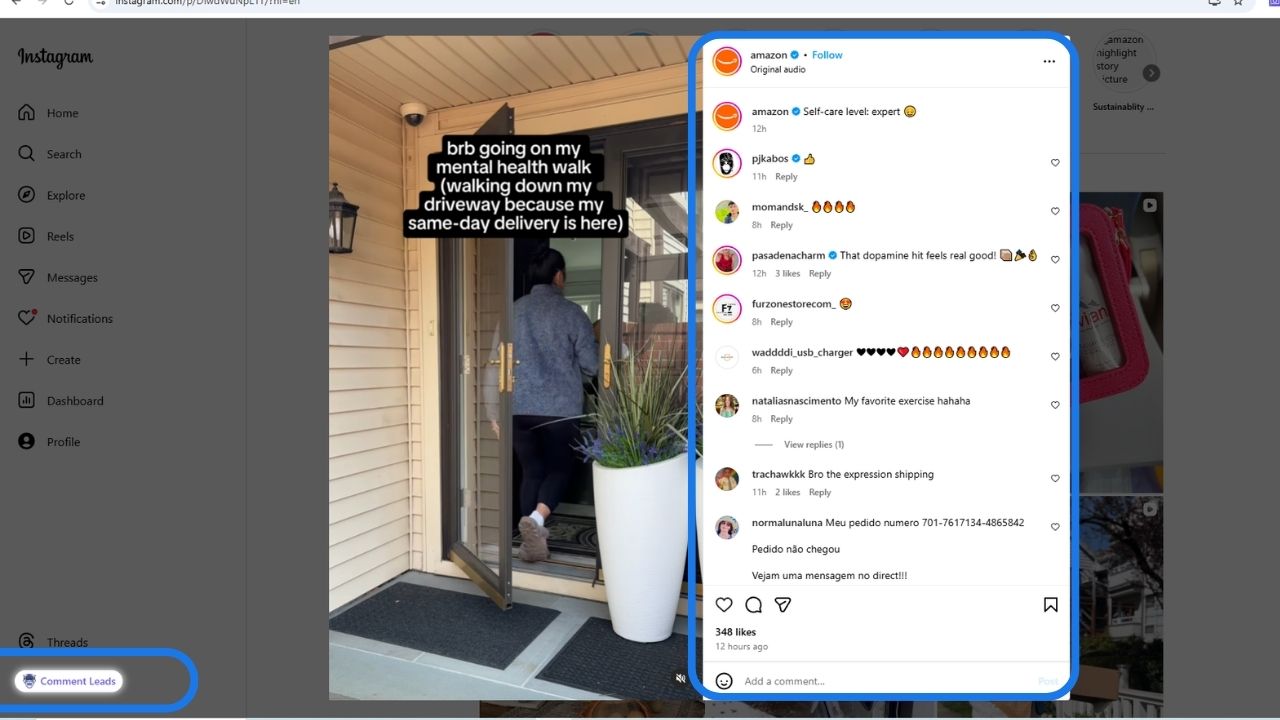
- Click the "Comment Leads" button
- Let the scraper scan all visible comments and linked profiles
- It collects phone numbers from both comment content and bios
Step 4: Export the Leads
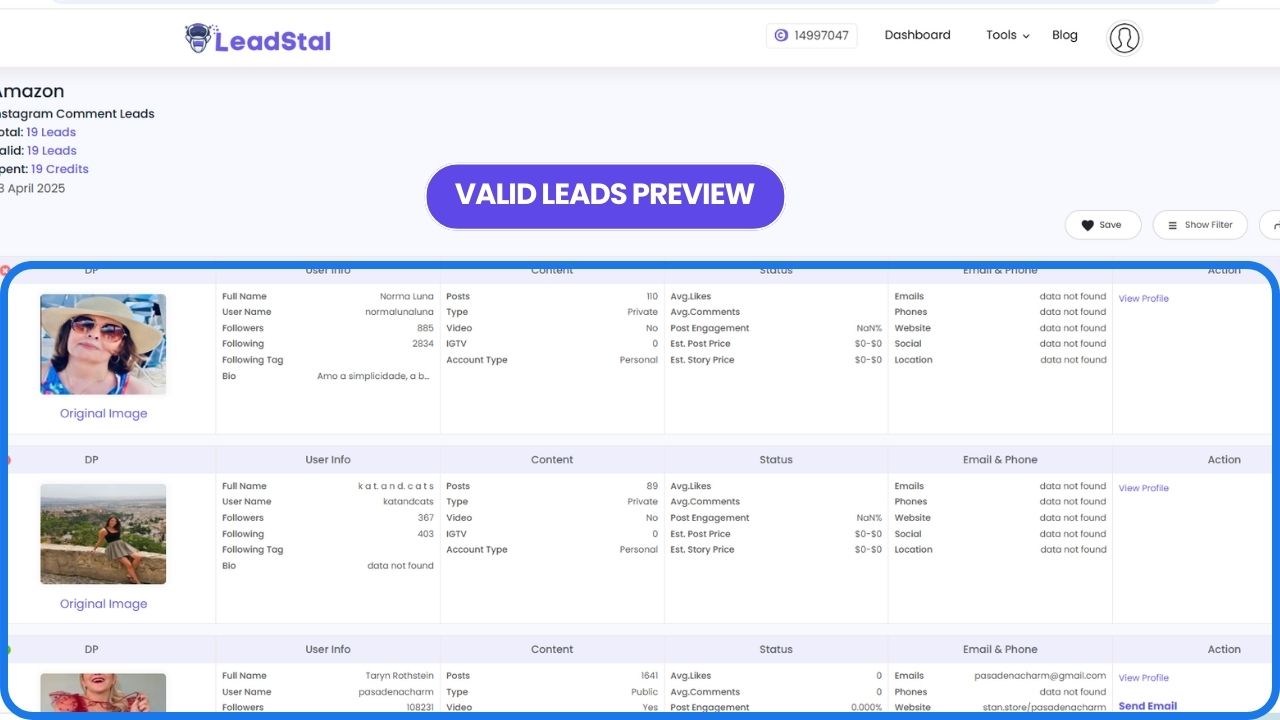
- Once the process is complete, click "View Result"
- Export your data to Excel or CSV
Types of Phone Numbers You Might Find
- WhatsApp numbers from buyers or sellers
- Contact numbers from influencers
- Business lines shared for deals or orders
- Phone numbers listed in bio for support or inquiries
LeadStal Pricing Plans
Only valid phone or email leads are charged. Invalid results are free.
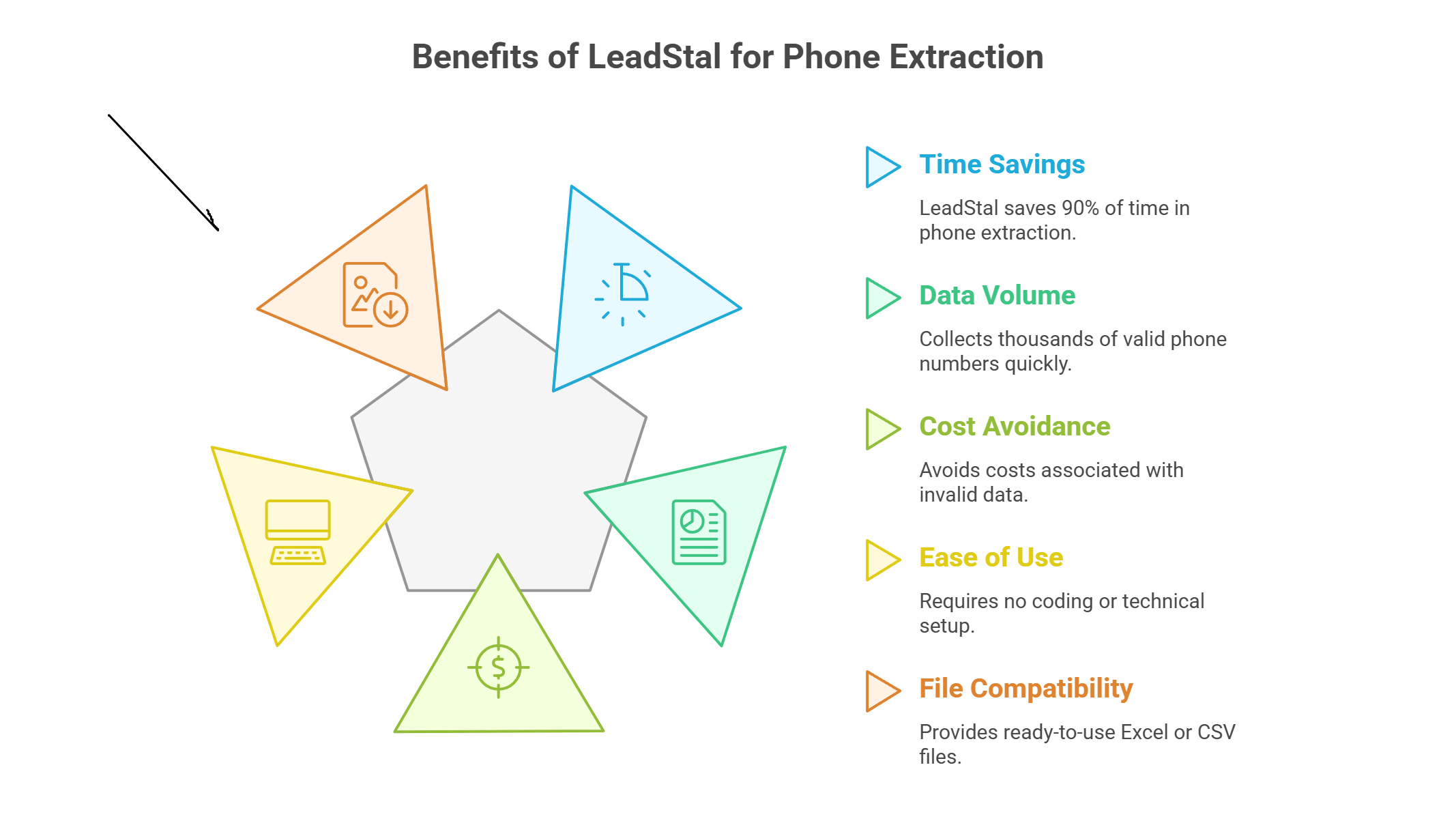
Benefits of Using LeadStal for Phone Extraction
- Save 90% of your time
- Collect thousands of valid phone numbers quickly
- Avoid paying for invalid data
- No coding or technical setup required
- Ready-to-use Excel or CSV files
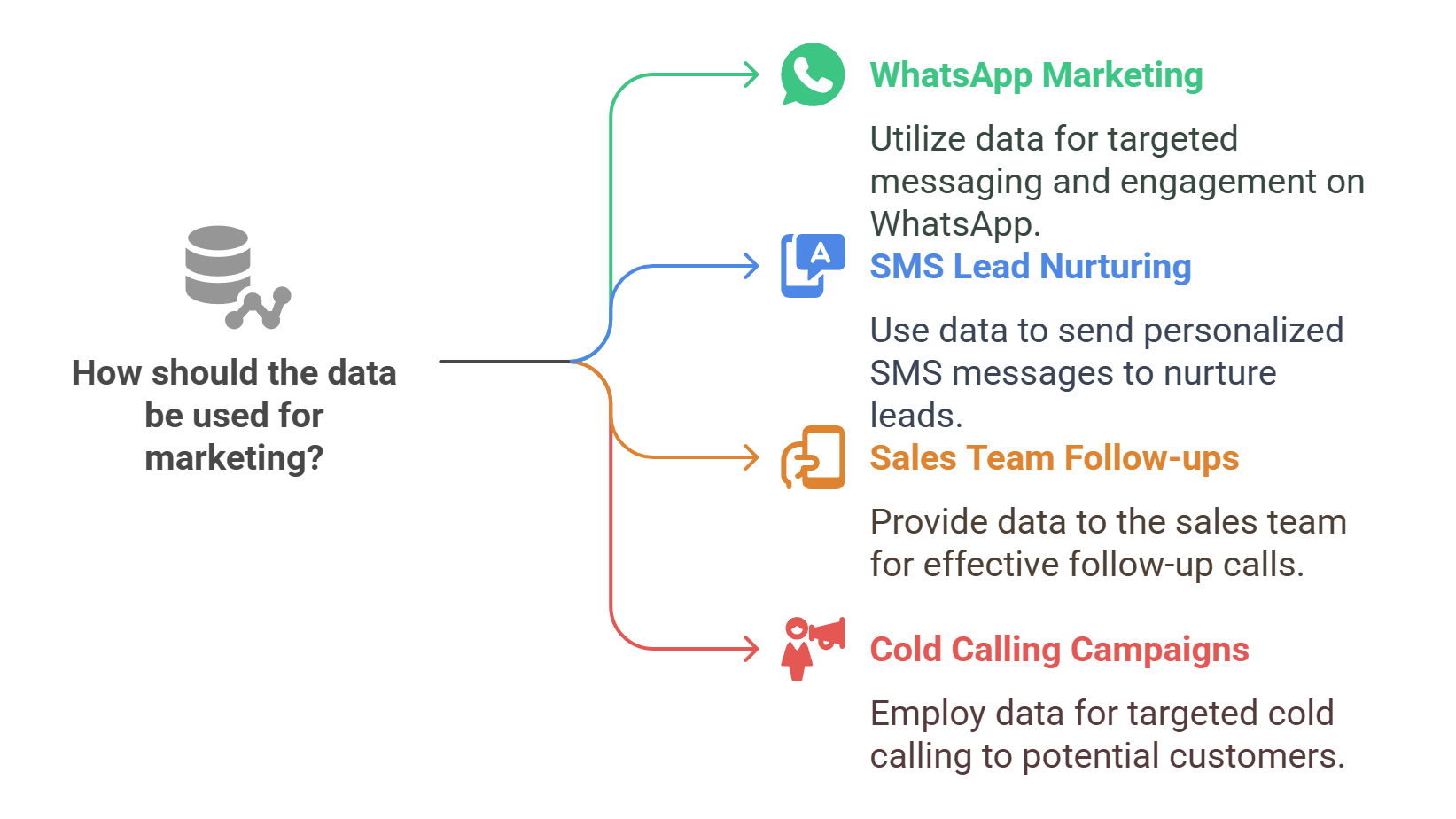
Where the Data Can Be Used
- WhatsApp marketing
- SMS lead nurturing
- Sales team follow-ups
- Cold calling campaigns
Final Thought
If you're looking to collect phone numbers from Instagram comments without any hassle, a tool like LeadStal IG Comment Scraper is the best solution. You don’t need tech skills, and you can get real leads within minutes. From giveaway campaigns to customer outreach, the power of contact data is now just one click away.
FAQs
Frequently asked questions
1. Can the tool detect international numbers?
Yes, it supports most standard international formats.
2. Is this tool safe to use?
Yes. It only scrapes public data and works within Instagram’s visible interface.
3. Do I need to know coding to use this?
No. It's 100% no-code and beginner-friendly.
4. Can it collect phone numbers from bio sections?
Yes. It checks both comment and profile bios.
5. Is the export file editable?
Yes. It's saved in Excel or CSV format.
6. Will I be charged for invalid numbers?
No. Only valid contacts are counted.
7. What if a post has 2000+ comments?
The tool is designed to handle high volumes.
8. Does it work on private profiles?
No. It only scrapes data from public posts.
9. Is it mobile compatible?
No. The extension runs on Chrome desktop.
10. Can I use this for WhatsApp campaigns?
Yes. The phone numbers can be added to your WhatsApp contact list.
Put this into action, for free
Find verified leads from Google Maps, Instagram and 30+ sources with LeadStal's free tools.
Start finding leads freeComments (3)
 Priya Nair· 2 days ago
This is exactly what I needed, pulled 300 leads in my niche the same afternoon. The export to CSV worked flawlessly.